Orders, Fees, And Execution
Virae separates three ideas that users often confuse:
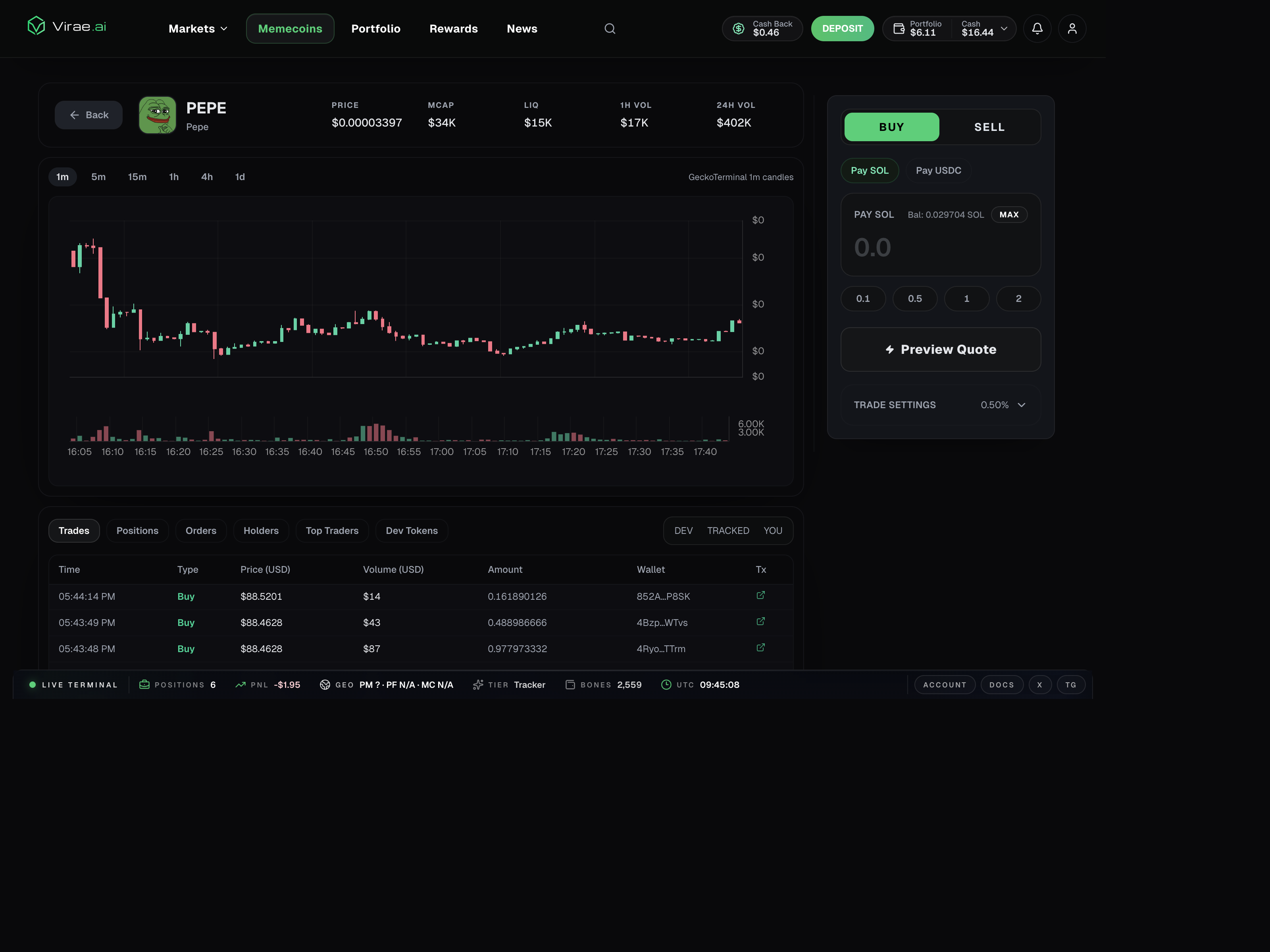
- the main trade or order execution
- native network gas
- Virae platform fees
Current configured trading fee
The current platform trading fee configuration is:
- fixed base fee:
$0.04 - commission:
1%of trade notional
This section is about trading fees. Separate non-trade or setup flows can use a different fixed fee path, which is currently configured at $0.02.
For products using the shared trading fee config, the fee quote is currently modeled as:
total fee = base fee + commission
or, more concretely:
total fee = $0.04 + 1% of notional
Examples:
| Trade notional | Commission | Base fee | Total |
|---|---|---|---|
$5.00 | $0.05 | $0.04 | $0.09 |
$20.00 | $0.20 | $0.04 | $0.24 |
$100.00 | $1.00 | $0.04 | $1.04 |
The backend currently rounds fee quotes up to 6 decimal places.
The simplest rule
Before you place a trade, ask three separate questions:
- what am I buying or selling?
- which chain will execute this action?
- which rail will be used for fee settlement if this product uses one?
What users see in the product today
Current fee display is product-aware, but the shared logic is consistent:
| Surface | What you see | What it means |
|---|---|---|
| Polymarket trade form | Est. commission, Est. base fee, Est. total fees | shared fee config quoted before submit |
| Predict trade panel | fee estimate derived from the same current config | current UI uses the same $0.04 + 1% structure |
| Solana memecoin panel | Network fee, Base fee, Commission | network cost is shown separately from Virae fees |
| Robinhood Chain memecoin flow | route, network, and platform costs shown for the selected quote | ETH or USDG context depends on the route |
| Activity page | Trade fees accrued, Trade fees submitted, Trade fees failed, or Trade fees waived | fee lifecycle after execution |
Why this matters
Different products can:
- execute in different ways
- settle fees in different assets
- complete fee settlement after the main trade finishes
The key distinction: gas vs base fee vs commission
These are different things:
network gasornetwork fee: blockchain execution cost paid to the chainbase fee: the fixed Virae platform fee for the actioncommission: the percentage-based Virae fee tied to order notional
This is why a memecoin quote can show three separate lines instead of one combined number.
What users often misread
The visible trading asset, the native gas asset, and the fee settlement asset are not always the same.
That is why a trade can succeed while a later settlement or recovery message still appears afterward.
Current product-specific settlement behavior
The current user-facing behavior is not identical across products:
Polymarket-style trading
- the trade form requests a backend fee quote before submission
- current quote responses label settlement mode as
BATCHED - this means the main trade can complete before fee settlement is fully finalized
- that is why activity can later show accrued or submitted trade fee records
Predict trading
- the current panel uses the same shared fee configuration for estimation
- the UI currently models this quote as immediate fee handling for the panel summary
- users should still think of the fixed fee and commission as separate from chain gas
Solana memecoin trading
- the quote currently shows
Network fee,Base fee, andCommissionseparately - the panel explicitly treats the base fee as an upper bound and may show it as
max - fee settlement happens in the selected Solana settlement asset, not necessarily in the asset you are buying
Robinhood Chain memecoin trading
- the route can use ETH or USDG context depending on the selected action
- network cost remains separate from Virae platform fees
- the user must keep enough of the displayed input or network asset for the complete route
- a quote can expire when price, liquidity, allowance, or network conditions change
User-facing rule
Do not assume the asset used for trading is the same asset used for gas or platform fee settlement.
Virae tries to make the required rail explicit when it matters.
Why the base fee can be shown as an upper bound
Some trading surfaces show the base fee as a maximum or upper bound instead of a guaranteed exact number.
That is intentional.
The product reserves enough room for the fixed fee path that may be needed for the action, especially when credentials or settlement steps may require additional setup. This is also why the UI may protect users by shrinking the practical MAX buy amount.
Common post-trade outcomes
After a trade, you might see:
- the position update quickly
- the order or fill complete first
- a later fee-settlement step
- a recovery-needed message if the required settlement rail was not sufficiently funded
Why MAX or budget numbers can feel smaller than balance
For fee-aware buy flows, the product currently reserves room for:
- the fixed base fee
- the percentage commission
- in some products, a worst-case fixed fee upper bound
That is why MAX can be slightly below the visible stablecoin balance even before you submit.
Why Virae may block an action
If the product knows in advance that the required settlement balance is missing, it can block the action instead of blindly pushing ahead.
That is intentional. The product is designed to fail explicitly rather than create avoidable hidden debt or confusing retries.
How fees relate to cash back and rewards
Trading fees and rewards are connected, but not the same thing.
Current user-facing rule:
- the trade fee is quoted and charged or accrued first
- tier cash back is a later rebate layer tied to your current tier
- referral cash back is tracked separately from direct tier cash back
So a user can correctly see both of these statements at the same time:
this trade had a $0.60 feepart of my fees comes back later through rebates
For the current live tier rebate percentages, see Rewards, Referrals, And Rebates.
Best practice
If a trade is blocked, check whether Virae is signaling:
- missing readiness
- insufficient balance on the correct rail
- a fee-settlement requirement
- a venue-specific precondition