Commands And Menus
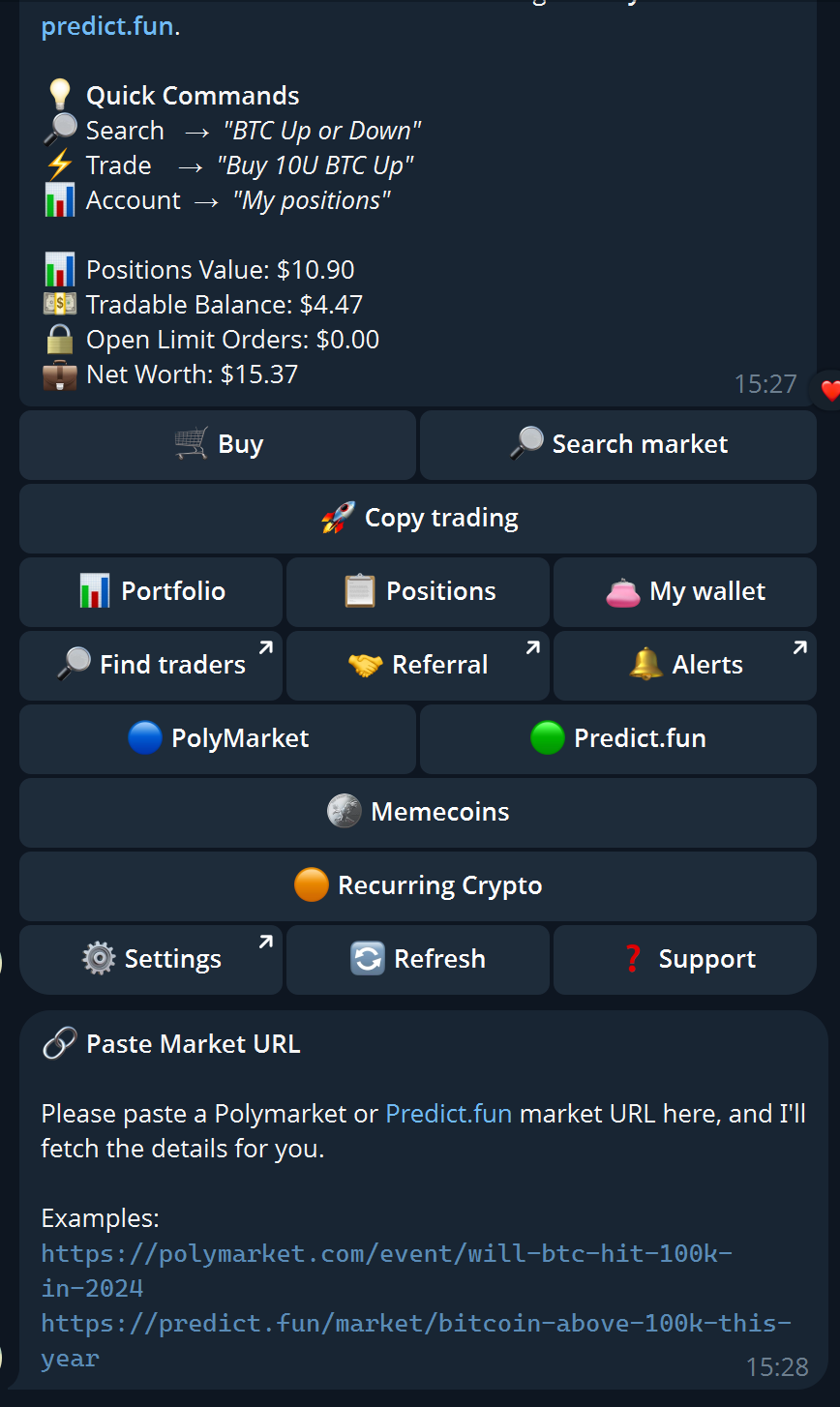
Navigation tips
- menus for exploring
- direct commands when you know exactly what you want
- natural language for quick account queries and market search
Direct URL entry
Paste a Polymarket or Predict.fun URL directly into chat and the bot fetches the market details. Add a trade instruction on the same message to go straight to an order preview — see Natural Language Usage for the full URL+command format.
Command reference
| Command | What it does |
|---|---|
/start | Opens the main menu — shows live account summary (positions value, tradable balance, open limit orders, net worth) with buttons for every product area |
/help | Shows support message with contact info |
/search <query> | Searches Polymarket and Predict.fun markets by keyword |
/cancel | Cancels current pending input or order |
/connect | Links your Telegram account to your web wallet |
/portfolio | Shows positions and open orders with PnL breakdown |
/wallet | Opens wallet home — balances, custody mode, deposit/withdraw for all chains |
/withdraw | Initiates a withdrawal |
/link <code> | Links Telegram to an existing web account using an invite code |
/copy | Opens the copy trading menu |
/listcopy | Lists all active copy trading tasks |
/stopcopy <address> [event_id] | Stops copying a specific trader, optionally scoped to one event |
Main menu buttons
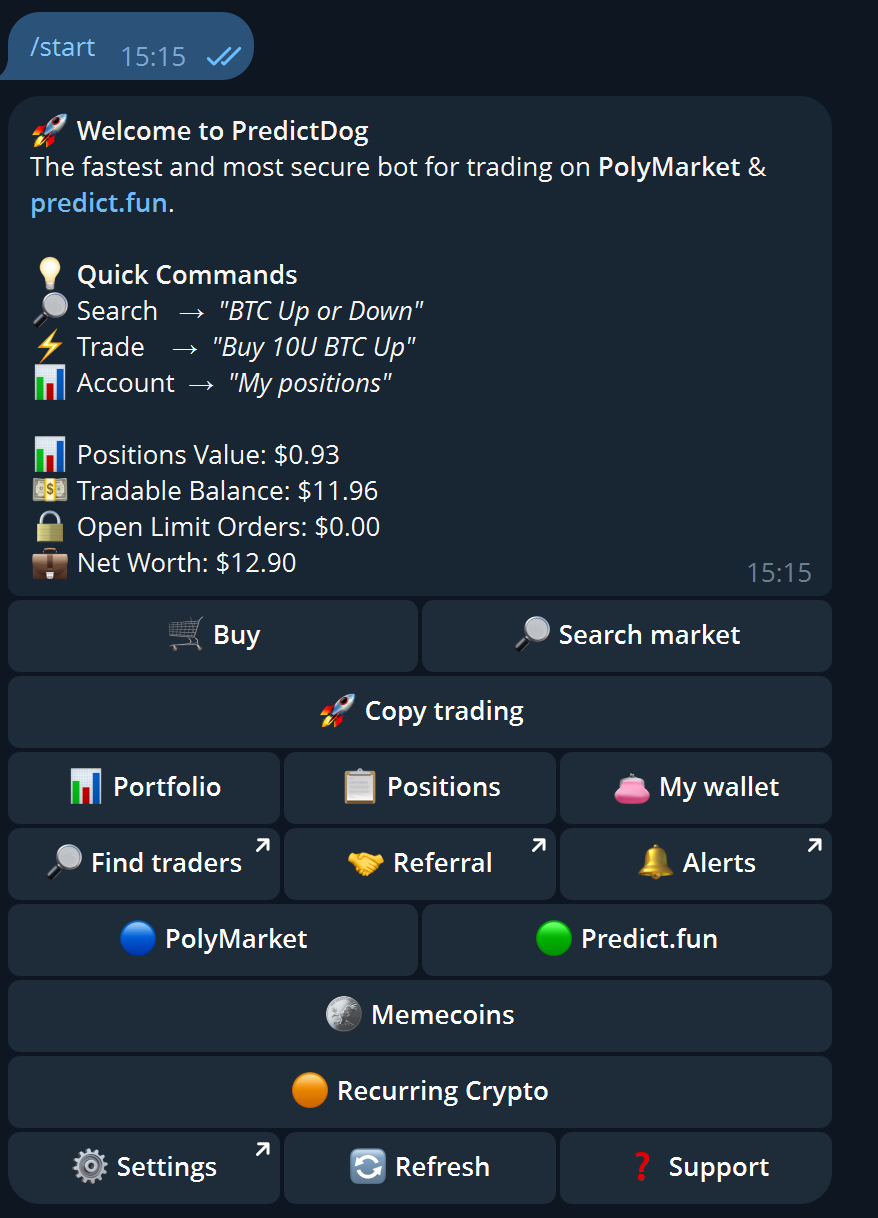
The /start menu provides one-tap access to every major product area:
| Button | Where it goes |
|---|---|
| 🛒 Buy | Paste a market URL to start a trade |
| 🔎 Search market | Market search by keyword |
| 🚀 Copy trading | Copy trading wizard |
| 📊 Portfolio | Full portfolio view with PnL |
| 📋 Positions | Compact position list |
| 👛 My wallet | Wallet home and balances |
| 🔎 Find traders | Web link to Insights |
| 🤝 Referral | Web link to rewards |
| 🔔 Alerts | Web link to price alerts |
| 🔵 PolyMarket | Polymarket market search |
| 🟢 Predict.fun | Predict.fun market feed |
| 🪙 Memecoins | Memecoin markets |
| 🟠 Recurring Crypto | Recurring crypto round markets |
| ⚙️ Settings | Web link to settings |
| 🔄 Refresh | Reload main menu with fresh account data |
| ❓ Support | Help and support message |
Suggested habits
- start every session with
/start— it shows live account state - use
/walletif you suspect a readiness or balance issue - use
/portfoliofor quick context before entering a trade - if a flow feels confusing, return to
/startand check wallet or portfolio before re-entering