Settings And Notifications
Virae account controls are split across product surfaces.
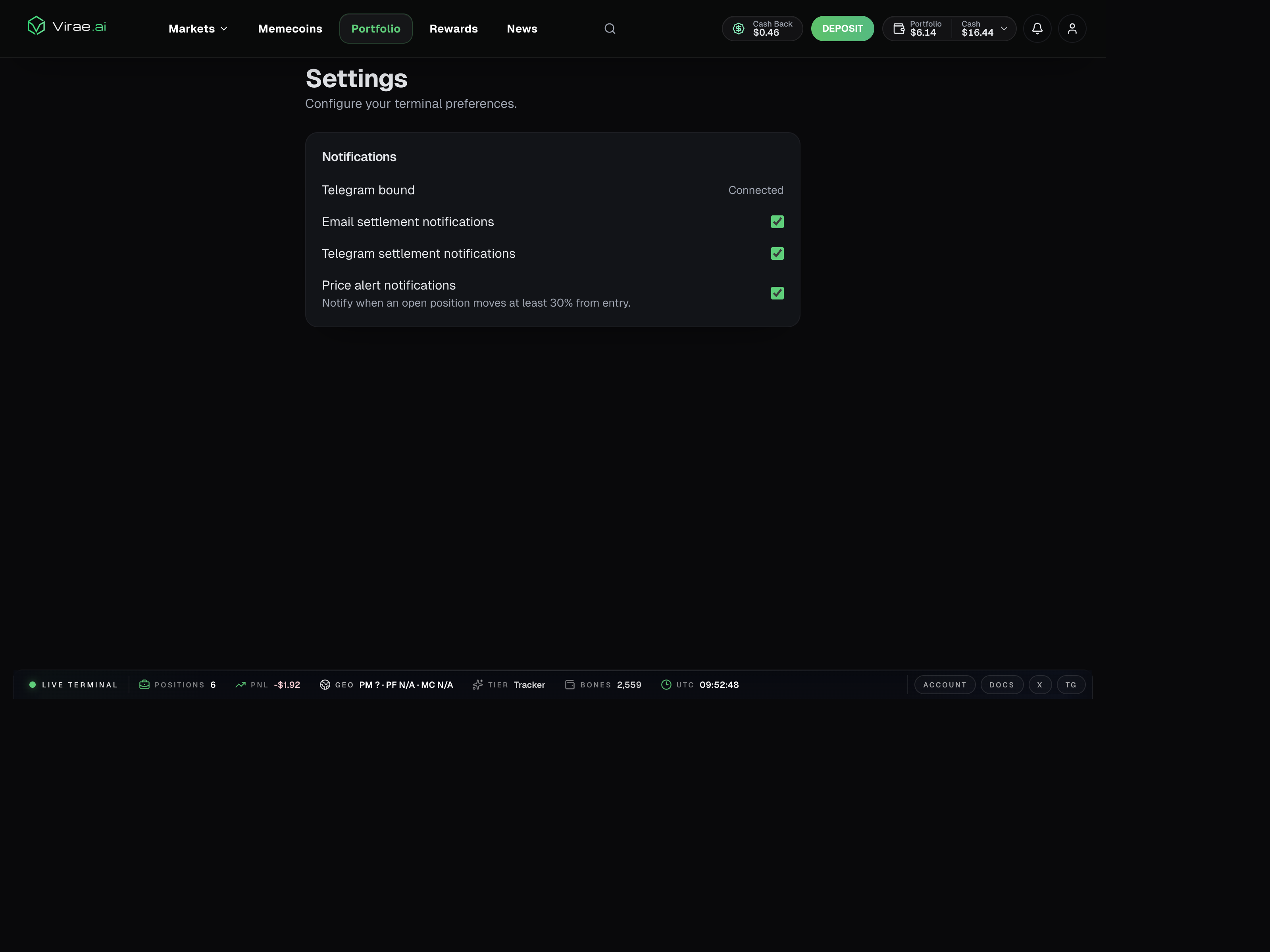
The current Settings page shows this split directly, including terminal preferences and notification toggles such as email settlement alerts, Telegram settlement alerts, and price-alert notifications.
On web
Web is the primary place to expect:
- account-level settings
- richer portfolio and reward views
- notification-related account context
- product management flows that need more UI space
On Telegram
Telegram is best treated as a fast-notification and fast-action surface.
Depending on the feature, it can help with:
- menu-driven access
- activity and portfolio checks
- quick responses to product signals
- help and FAQ entrypoints
Why this split exists
Some settings and notification flows are tightly connected to funding, security, or multi-step product state. Those are easier to explain and manage on web.
Telegram remains useful for immediacy, but not every account control belongs in chat.
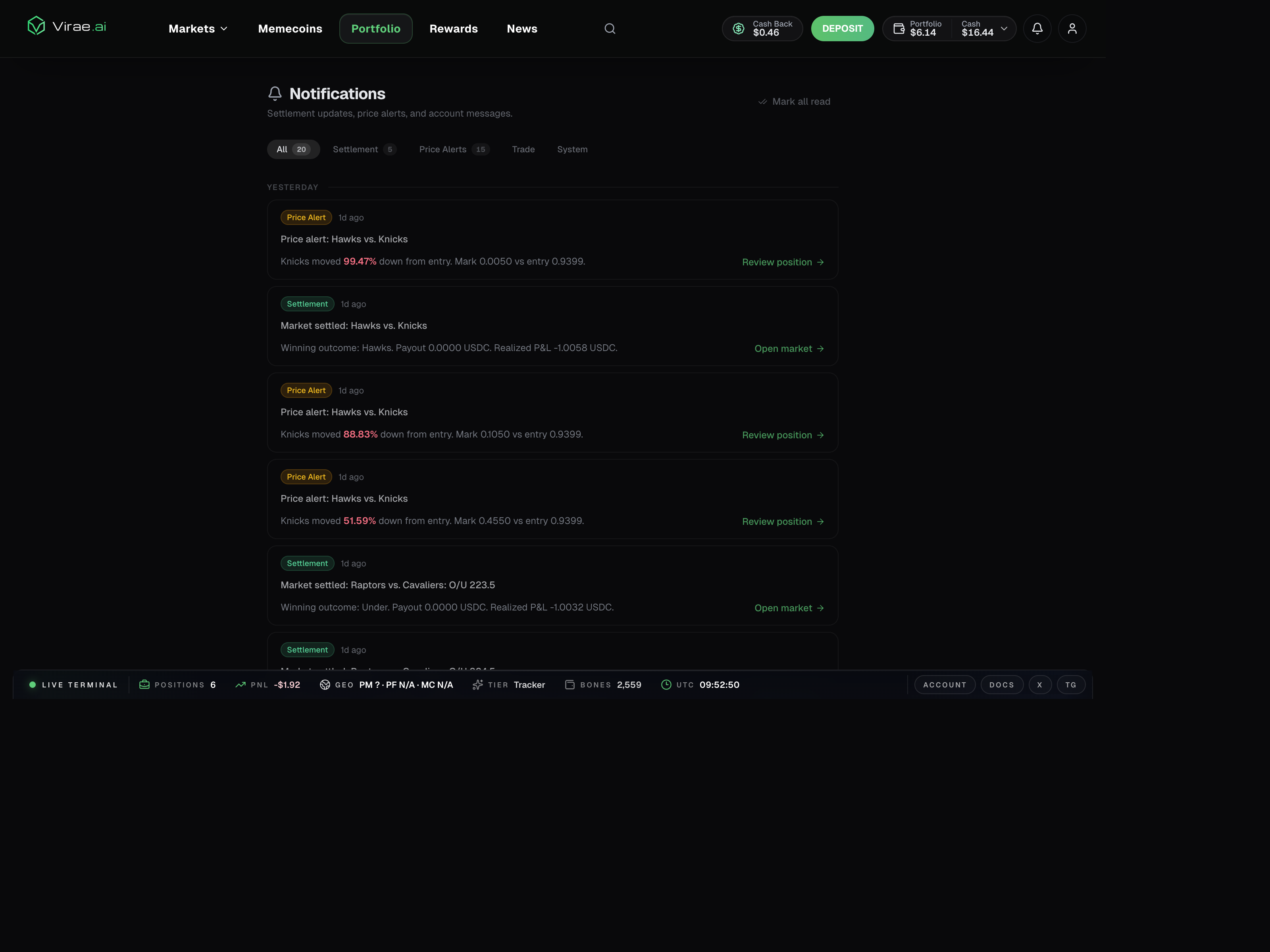
The web notifications center complements those settings by showing the actual downstream feed of settlement updates, price alerts, and account messages.