Connect Telegram And Web
Virae's web terminal, two Telegram bots, and Telegram Mini App are product surfaces connected to the same account model.
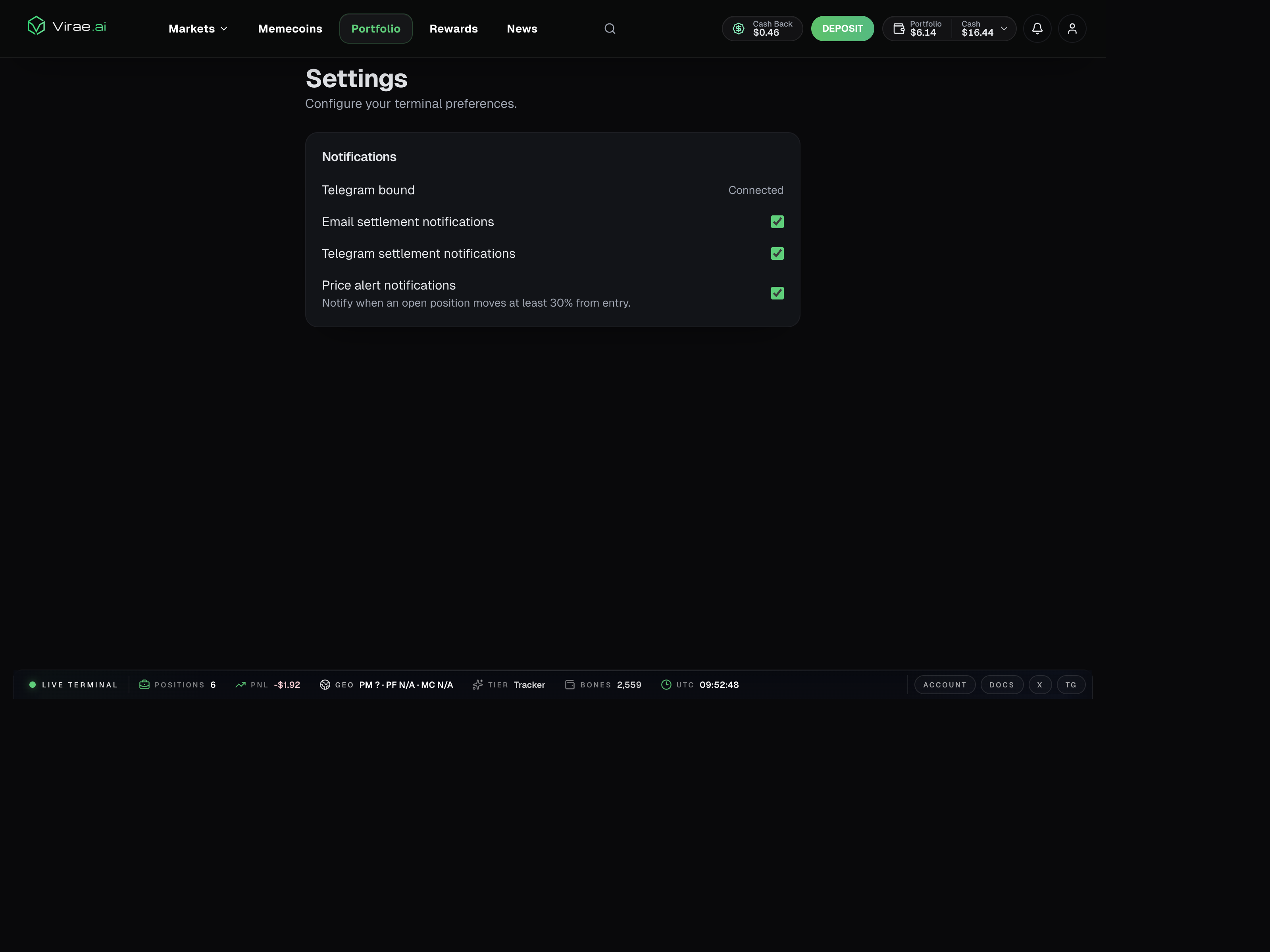
One current web signal of that shared account model is the settings surface, which shows Telegram binding and notification preferences alongside web-based account controls rather than treating Telegram as a separate account silo.
The intended model
Web is the primary control surface for onboarding, funding, and richer account management.
Telegram provides two faster, product-specific chat surfaces:
- the Polymarket Bot for prediction markets, copy trading, Auto Trade, and alerts
- the Crypto Bot for Solana and Robinhood Chain memecoins
The Mini App provides authenticated wallet, funding, security, and account actions inside Telegram.
What that means in practice
The smoothest user path is:
- Create or log into your Virae account.
- Open the bot that matches your product.
- Complete Telegram linking if prompted.
- Use the Mini App or web terminal for richer account actions.
Why some flows stay separate
Virae intentionally avoids turning every connect-specific or Telegram-specific flow into the main web login flow.
That keeps:
- ordinary login and signup simple
- connect-specific actions isolated
- security-sensitive steps easier to reason about
If something feels inconsistent
If a bot can show a feature but opens the Mini App or web terminal, that usually means the action needs richer authentication, wallet, funding, or risk context.
That is a product constraint, not a bug in your account.